DocBunker vs WhatsApp
WhatsApp or a client folder for sending documents?
WhatsApp or a client folder? Compare quick messages with a dedicated place for project files and feedback.
 WhatsApp
 DocBunker
- 4criteria where DocBunker is better
- 1criteria level
- 2criteria where WhatsApp is better
The short answer
Which approach fits your project?
WhatsApp suits a quick request or a one-off file in a conversation you already use. A DocBunker folder becomes useful when you need to organize documents by project, with a place to view files, upload them and leave feedback. You can send the folder link through WhatsApp.
This comparison concerns how you organize document exchanges. WhatsApp has its own privacy and security features. A client portal does not make every exchange more secure by default: choose the channel and recipients according to the sensitivity of the documents.
Everyday differences
On mobile, scroll the table horizontally.
| Your needs | WhatsApp | DocBunker folder |
|---|---|---|
| Quick requests | ✓ BetterSend a message in an existing conversation. | Leave a comment in the project folder. |
| Finding documents | Find files in the conversation where you sent them. | ✓ BetterKeep project files together in a dedicated folder. |
| Separating projectsEquivalent | Organize conversations or groups to suit your needs. | Create a separate folder for each client or project. |
| Receiving files | The client sends files in the conversation. | ✓ BetterThe client uses your link to upload files without an account. |
| Ending the project | Account for copies people received or saved. | ✓ BetterClose the folder link; recipients keep downloaded copies. |
| End-to-end encryption | ✓ BetterChats are end-to-end encrypted, according to WhatsApp. | Encrypted connections (HTTPS); files are scanned on the server, which rules out end-to-end encryption. |
| Tracking views | Read receipts, but no log per document. | ✓ BetterA folder activity log, visible to the professional. |
Where DocBunker is better
- Finding documents
- Receiving files
- Ending the project
- Tracking views
Where WhatsApp stays better
- Quick requests
- End-to-end encryption
Every tool has its strengths: this scorecard compares the use case “exchanging documents with a client”, not the tool as a whole.
A one-off exchange
When to keep the exchange in WhatsApp
Your client asks a short question or sends an expected file during a one-off exchange. If you know where to file it and do not expect further feedback around several documents, staying in the conversation can be convenient. Agree on working hours and the channel for project requests.
An ongoing project
When to suggest a dedicated folder
Your project involves a brief, proposals, client files and successive rounds of feedback. A dedicated folder keeps those documents apart from other messages. Give the client a reference link and keep identifying the file name and version in your requests.
Prepare a folderA practical example
Example: an agency gathers materials for a brochure
The client sends a logo on Monday, a photo on Wednesday and a text correction during a discussion about the schedule. Before preparing the brochure, the agency needs to gather the right files.
The agency can suggest a DocBunker folder for the logo, photographs and copy. WhatsApp can announce a missing item or a proposal ready for review, with a link to the project folder.
How to get started
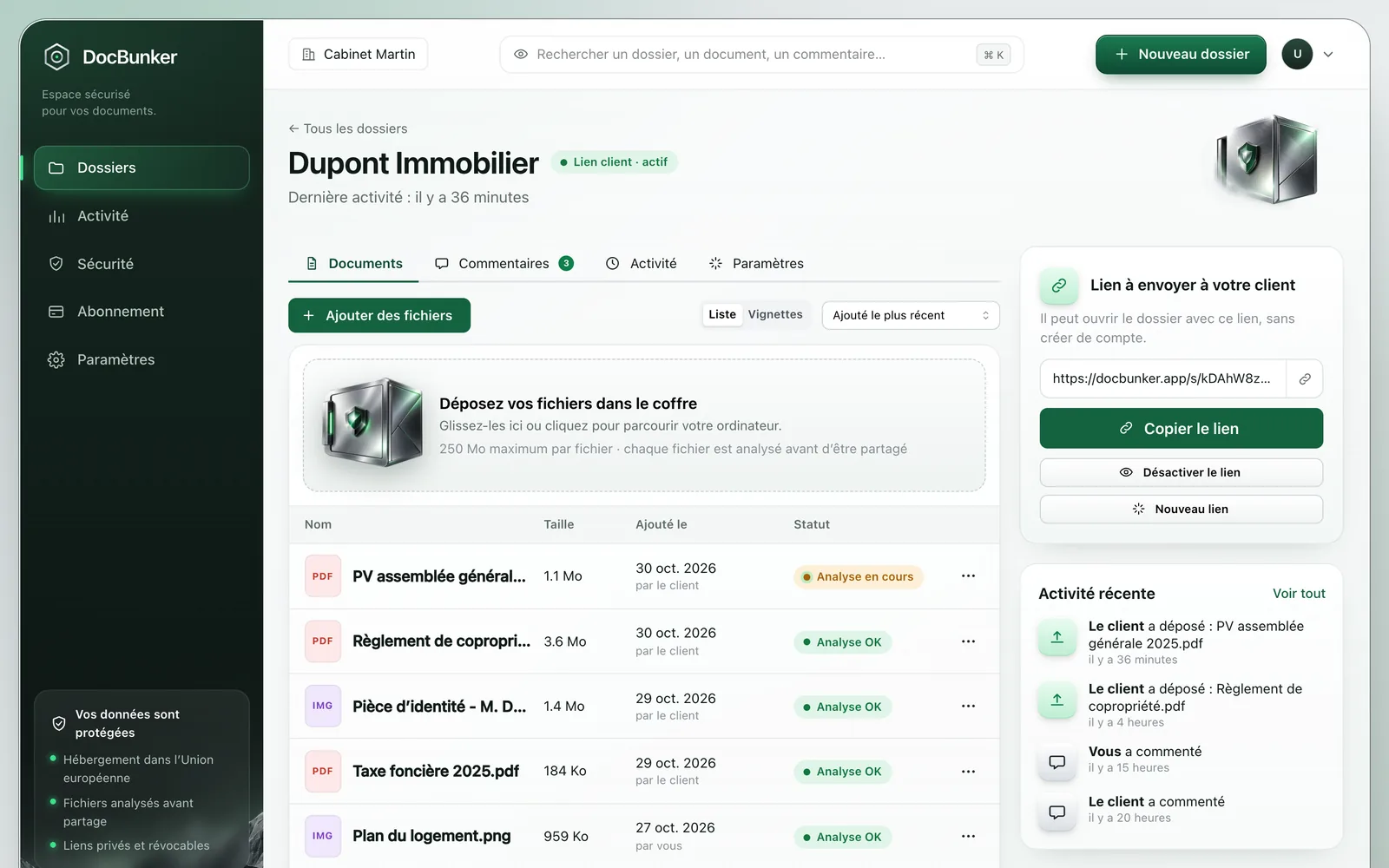
- Create the folder and list the files you need.
- Send the link in your usual WhatsApp conversation.
- Ask the client to put project documents and related feedback in that folder.
Anyone holding an active link can access the folder. Choose your recipients and close the link when sharing should end. Recipients keep copies they have already downloaded.
Common questions
Can I send a DocBunker link on WhatsApp?
Yes. Send the folder link through the agreed channel. The client opens it in their browser without creating a DocBunker account.
Does the client need to change how they communicate?
You can keep WhatsApp for short messages and agree on one folder for project documents. Explain that files and feedback about them belong in the folder.
Does a private link prove that only my client can view the folder?
No. Anyone holding an active link can use it. Share it with the intended participants and revoke it when it should no longer provide access.
Make client exchanges easier
One folder for the rest of your project.
Keep your preferred channel for messages, with a dedicated place for client documents and feedback.
Create my folder